
Contact forms are highly needed on every website and blog. If you have a blog you also need contact forms to allow your readers to stay in touch with you, sign up for updates using their email, sign up for email newsletters, or even to reach your customer service if you have an online business. Contact forms are the perfect way to collect information about your customers because it allows you to legally obtain their email addresses and gives you permission to contact them later. You can even get phone numbers and addresses if you need to using contact forms.
You can also check some premium WordPress Plugins here.
WordPress contact form plugins
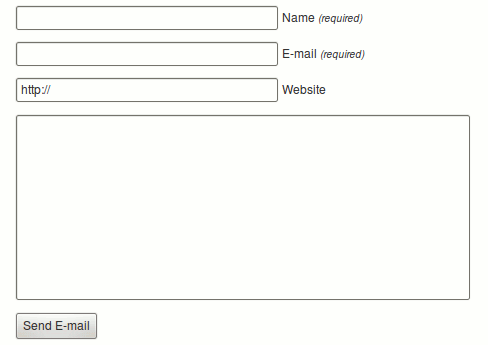
Send E-mail
Add a contact form to any post, page or text widget. Messages will be sent to any email address you choose. As seen on wordpress.com with added i18n.
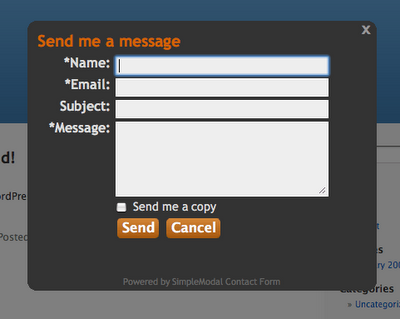
SimpleModal Contact Form (SMCF)
SimpleModal Contact Form (SMCF) is an Ajax powered modal contact form. It utilizes the jQuery JavaScript library and the SimpleModal jQuery plugin.
Formidable
Quickly and easily build forms with a simple drag-and-drop interface and in-place editing.
Contact Form 7
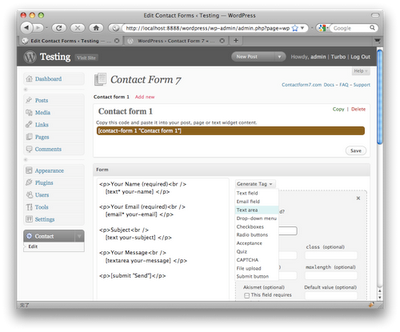
Just another contact form plugin. Simple but flexible.
Tiny Contact Form
Little form that allows site visitors to contact you by email.

Clean-Contact
A Clean, no hassle contact form plugin for WordPress, with advanced Spam bot protection that doesn’t require Captcha.
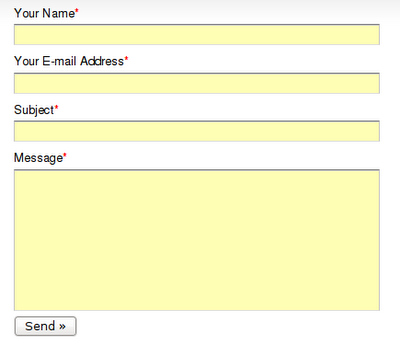
Fast and Secure Contact Form
This contact form lets your visitors send you a quick E-mail message. Blocks all common spammer tactics. Spam is no longer a problem.
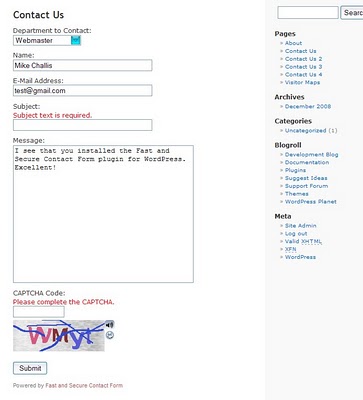
ONW Simple Contact Form
ONW Simple Contact Form is a basic form with reCAPTCHA for sending email from your blog.
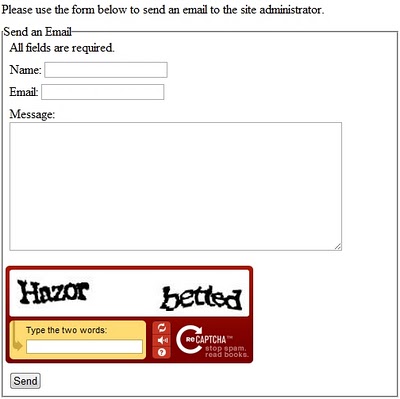
Simple contact form
Providing a Simple, Super, Security and Ajax based contact form on your wordpress site.
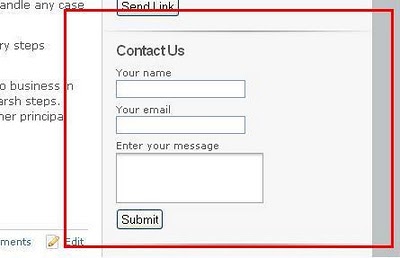
Contact Form
Add Contact Form to your WordPress website.
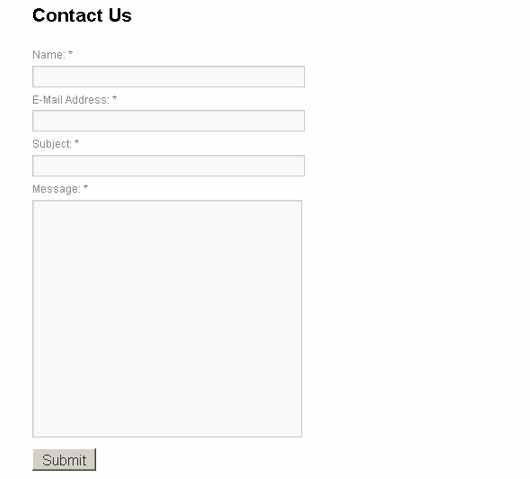
WordPress contact form without plugins
How to create a built-in contact form for your WordPress theme
WordPress & jQuery Contact Form without a Plugin
This tutorial will show how to use a custom page template to create a contact form in WordPress without a plugin.




Contact Form 7 works great and we have been using it for most of our sites. Just started using Gravity Forms on one of our sites and our web designer likes it the best so far.
Yes contact form 7 is the best free solution.
Take a look at UserThought feedback service’s free plan at http://userthought.com.
It has a lot of feedback-related features and the integration in just one line of HTML code.
ok, thanks for suggestions
You should check out NinjaForms. It’s very flexible for developers and end users alike. Very affordable as well.
My best experience is with contact form from Cloud Contact Forms. Those forms are hosted, made very easy in their ajax tool, and all user response is stored, and also have email utility to send mass email to all people who contact you, very useful for mailing list,etc…
Absolutely NONE of these compare to http://www.gravityforms.com
Except these plugins are free. Nice try, gravity forms.
cool post
Try the new Contact Form with Meeting Scheduler
http://wordpress.org/extend/plugins/contact-form-with-a-meeting-scheduler-by-vcita/
i have been using contact form 7 for some time and am increasingly frustrated by people using the form to send me messages that promote their seo business … is there a way of stopping them based on keyword testing of message or an email sent to them that they need to confirm before their message to me is sent to me?
What a great post, contact forms, are one of the most important pieces of any website or blog, it provides authority and make it easy for your readers to get in touch with you..
As a thank you, and to help beginner bloggers I created this quick video to show how to setup simple secure contact form plugin on wordpress..
Check it out….
http://getyourblogready.com/how-to-add-a-simple-secure-contact-form-wordpress/
If you do consider splashing out on a plugin I would recommend iPhorm. It’s cheap and works great for me. Last week I was here and tried a few free ones recommended above, but gave in when I saw this. Am i bad? 😛 Perfect for a non coder, I’ve heard people say Gravity forms has more… but for me this is enough. Anyone else used it yet???
http://codecanyon.net/item/iphorm-wordpress-form-builder/706149
I think iPhorm should be added to your list 🙂
I am trying to find a wp contact form that is javascript and stays in the same place while the page is being scrolled. I saw one on this website. http://www.azfirewatermolddamage.com/
I stick to 123ContactForm plugin for WordPress for some time now.
I find the free basic plan enough for the needs of a regular blogger like me – five forms per month (more than I need). I love the intuitive interface and their reporting features. Oh, and one more: they allow full CSS customization, which is a big bonus for a pettifogger like me 🙂
Is there anyone here please tell me which plugin can get the title of the post where I put the form to appear to the visitor who submits the form and include it in the email too? I also want to have more than one form fields in one row/line. Is there any of the plugins can do this for me?
I really need your help now as I don’t know what plugin to use!
Thanks in advance for your kind help!
ONW SImple worked out great for me. Thank you for posting!
does anyone know a contact form plugin that supports all these:
-built-in form validation or ability to define the regular expressions
-export to CSV files
-custom CSS using style.css preferably (external style sheet)
-auto-reply
-email webmaster
-ability to add personal JavaScript (e.g. I would like ability to add toggle to hide optional form fields, so user clicks and it hides or displays the set of forms)
I’m using WordPress 3.3.1 btw.
Any help appreciated.
I always use Contact Form 7, because it is simple and easy..
Thanks for this comprehensive list. I have used Gravity forms before, but it overkill for what I need. Ended up using Contact Forms 7 and it did the job.
One of our customer actually found a very cool form builder for WordPress and posted it on our forum. The name is FormBerry ( http://www.formberry.com ) it don’t use Captcha instead they used nonces logic and Akismet pretty solid. They have also this digital signature thing so it’s pretty cool. The downside though is that you need to buy add-ons for some advanced functionality just like Gravity form but I think it’s fair enough.
Speaking of Gravity form I like it too but it’s a resource hog.
Can someone explain me if i download the plugin, my contact form will be ready to use? Or i must to make some settings?
i prefer clean contact for my travel website. thanks for sharing
Hi, guys. Those themes are amazing, thanks for the list. I’ve just found a new one, that you might like. It names Ninja Kick Contact Form and there is something new approach with sidebar animations. Here is a link — http://codecanyon.net/item/ninja-kick-contact-form-wordpress-push-sidebar/6598780